
This manual describes safety precautions and maintenance instructions for the Philips 150S2B monitor.
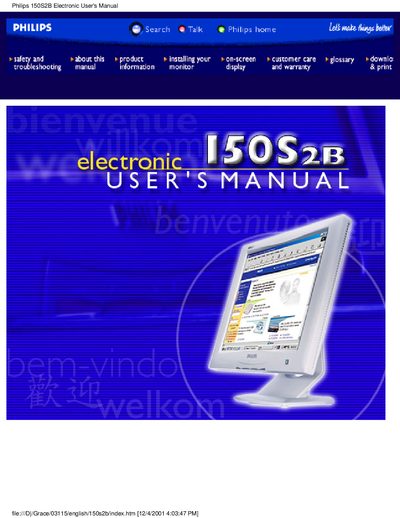
This manual covers safety precautions, installation locations, and troubleshooting tips for the Philips 150S2B 15‑inch LCD monitor. It explains how to clean the screen, avoid moisture, and protect the unit from heat, vibration, and impact.
The guide also details the monitor’s features, technical specifications, resolution and preset modes, automatic power‑saving functions, on‑screen display adjustments, and warranty and consumer service information for various regions.
| Screen size | 15" visual |
|---|---|
| Resolution | 1024 x 768 pixels |
| Contrast ratio | 300 (typ.) |
| Brightness | 200 cd/m2 (typ.) |
| Pixel pitch | 0.297 x 0.297 mm |
| Viewing angles | Upper >50°, Lower >60°, Left >75°, Right >75° |
| Response time | ≤45 ms (typ.) |
| Vertical refresh rate | 56‑76 Hz |
| Horizontal frequency | 30‑61 kHz |
| Video dot rate | 80 MHz |
Unplug the monitor and wipe it with a slightly damp cloth; do not use alcohol, solvents, or ammonia‑based liquids.
The recommended setting is 1024 × 768 at 60 Hz, with a maximum of 1024 × 768 at 75 Hz.
Activate a screen saver program during use to avoid static high‑contrast images that can cause after‑image symptoms.
The monitor can be used in temperatures from 5 °C to 35 °C and humidity from 20 % to 80 % RH.