
Instruction manual for a watch, which introduces how to set digital time and date, temperature, summer time, etc.
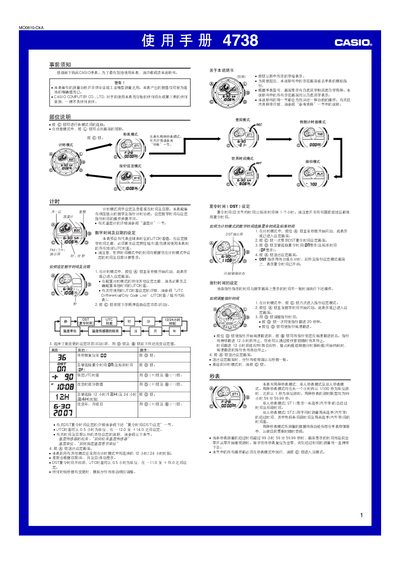
This manual provides step‑by‑step instructions for using the Casio 4738 watch, covering basic time setting, UTC offset configuration, daylight‑saving time, and world‑time city codes. It also details the operation of the stopwatch, timer, alarm, and temperature sensor.
Additional sections describe automatic illumination, button‑press sounds, data storage management, and how to calibrate the temperature sensor. Safety notes and warranty information are included at the end of the document. This manual is written in Chinese.
| Memory capacity | Up to 50 stored logs |
|---|---|
| Stopwatch maximum time | 99 h 59 min 59.99 s |
| Countdown timer range | 1 min to 100 h |
| UTC offset step | 0.5 hour increments |
Enter the setting screen by holding the button in timing mode until the seconds flash, then select the desired UTC offset from the UTC Differential City Code List.
All other modes follow the 12‑hour/24‑hour format chosen in timing mode; set the preferred format there and the change applies throughout the watch.
In the temperature setting screen, use the plus and minus buttons to toggle between °C and °F.