
This manual describes how to use the 3780 watch, including time and date settings, DST settings, pointer time settings, world time mode, countdown timer mode, stopwatch mode, alarm mode, etc
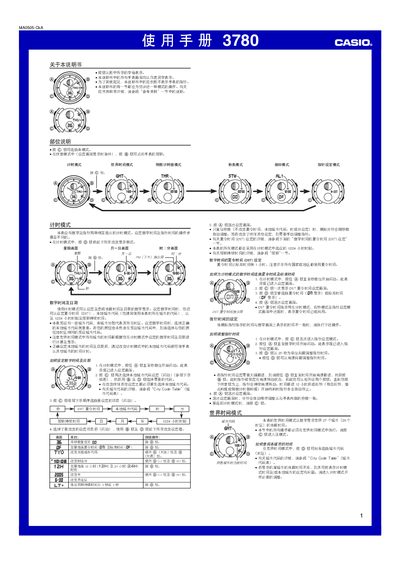
This manual provides step‑by‑step instructions for operating the Casio 3780 watch. It covers mode selection, time and date setting, daylight‑saving adjustments, world‑time configuration, alarm programming, countdown timer, stopwatch, and LED illumination settings.
The guide also includes reference tables such as the City Code Table and details on automatic date correction, battery‑saving tips, and troubleshooting notes for each function. This manual is written in Chinese.
| LED illumination duration | 1 second or 3 seconds |
|---|---|
| Year setting range | 2000‑2039 |
| Stopwatch measurement limit | 59 min 59.99 sec |
Press the @ button to cycle through the available modes.
Enter timing mode, press @ until the seconds flash, then use @ and @@ to adjust hours, minutes, and date.
In timing mode, press and hold @ for about 2 seconds to toggle DST on or off.