
This is a user manual for a watch, which introduces how to set the time, date, summer time, etc.
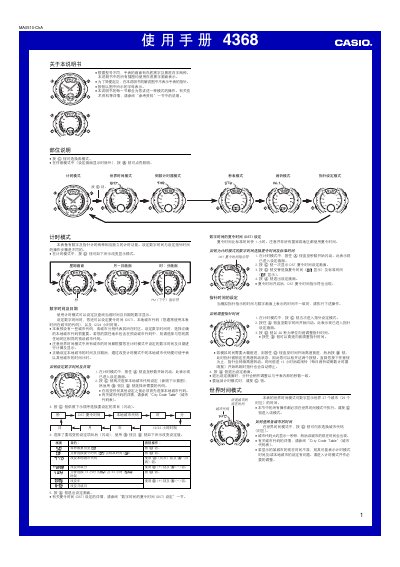
This manual provides step‑by‑step instructions for operating the Casio 4368 watch. It covers setting the digital and analog time, selecting city codes, configuring daylight‑saving time, and using the various modes such as world time, countdown timer, stopwatch and alarms.
The guide also describes the watch’s illumination feature, battery‑saving tips, and technical details like the supported year range and 12/24‑hour formats. All operations are illustrated with the standard white‑background, black‑text layout used throughout the document. This manual is written in Chinese.
| Hour format | 12/24 hour selectable |
|---|---|
| Year setting range | 2000‑2039 |
| Illumination duration | ≈2 seconds per activation |
Enter timing mode, press and hold the @ button until the seconds flash, then press @ to open the city‑code selection screen and use the arrows to choose the desired code.
In timing mode press @ once to open the DST setting screen, then press @ again to toggle DST on or off.
Press @@ while in any mode to light the display for about two seconds; the illumination uses an electronic light panel that may dim over time.