
This watch uses solar power to charge and will continue to work even in the dark. However, leaving it in a dark environment for long periods of time will drain the battery and may cause some functions to stop. To ensure proper operation, it is important to expose the watch to bright light as often as possible.
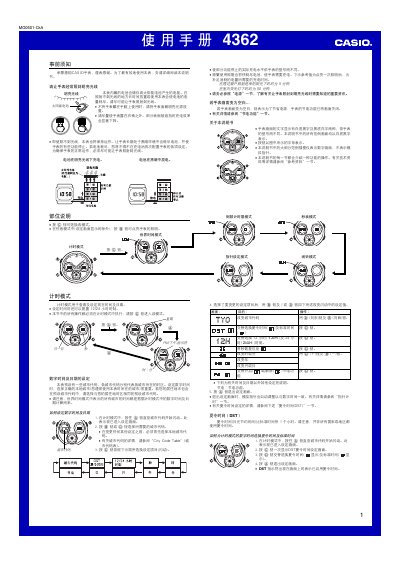
This manual provides step‑by‑step instructions for operating the Casio 4362 solar‑powered watch. It covers how to charge the built‑in rechargeable battery, configure time and date, select city codes, and use the various modes such as stopwatch, countdown timer and alarm.
The guide also describes power‑saving features, LED illumination, and specifications like battery life, charging times under different lighting conditions, and display duty cycles. Users can refer to the city code table for world‑time settings and learn how to enable or disable sounds and illumination. This manual is written in Chinese.
| Battery type | Solar rechargeable secondary battery |
|---|---|
| LED illumination duration | 1.5 seconds per activation |
| Maximum operation time on full charge | Approximately 8 months |
| Charging time near a sunny window (≈10,000 lux) | About 22 minutes |
| Display duty cycle | 18 h on / 6 h off per day |
Each illumination activation lasts about 1.5 seconds.