
This manual is the instruction manual for CASIO watch 3795, which introduces the functions and usage methods of the watch, including the setting of digital time, the setting of pointer time, the setting of date, the setting of alarm clock, the setting of hourly alarm, the setting of second time, etc.
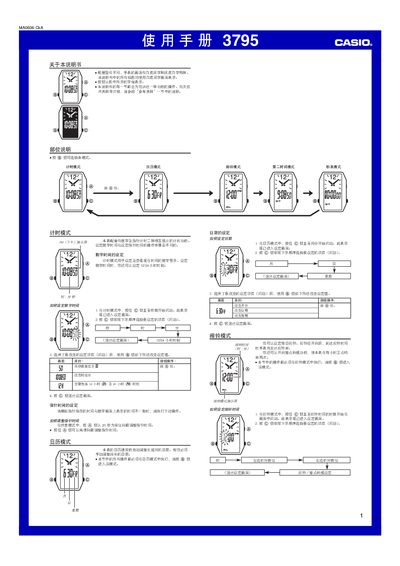
This manual provides step‑by‑step instructions for operating the Casio 3795 watch. It covers setting digital and analog time, configuring the 12/24‑hour format, adjusting the calendar, and using the alarm and stopwatch functions.
The guide also includes details on mode switching, button functions, and technical notes such as the stopwatch limit and automatic return to timing mode after inactivity. This manual is written in Chinese.
| Stopwatch range | 59 min 59.99 sec |
|---|---|
| Time format | 12‑hour or 24‑hour selectable |
Press and hold the @ button until the digits start flashing, then use the buttons to change hours, minutes, and select 12/24‑hour mode.
The stopwatch can measure up to 59 minutes, 59.99 seconds before it rolls over.