
This document is about the user manual for CASIO watches. The manual provides detailed information about the various modes and features of the watch, as well as instructions on how to set the time and date. The watch has functions such as stopwatch, countdown timer, alarm, world time, and pointer setting. The manual also explains how to set daylight saving time and the characteristics of pointer timing.
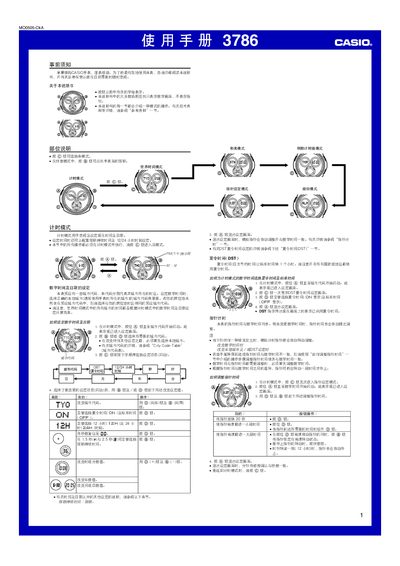
This manual explains how to operate the Casio 3786 watch, covering basic time and date setting, illumination control, and the various modes available. It also includes safety notes and guidance for maintaining the watch.
The document details each functional mode—World Time, Timer, Stopwatch, Countdown Timer, and Hand‑setting—along with procedures for configuring daylight‑saving time, 12/24‑hour format, and city codes. It finishes with illumination information and a city‑code table for worldwide time zones. This manual is written in Chinese.
| Illumination type | LED |
|---|---|
| Year setting range | 2000‑2099 |
In timing mode, press the @ button to toggle DST; the DST indicator will appear on the display when active.
From timing mode, press the @ button five times to enter hand‑setting mode, then hold @ and use @ to move the hour, minute and second hands as needed.