
This document is an instruction manual for manual 3794 1 MA0606-CkA. It explains how to change the local city code, daylight saving time, and time format, and provides detailed instructions on button operations and pointer operations.
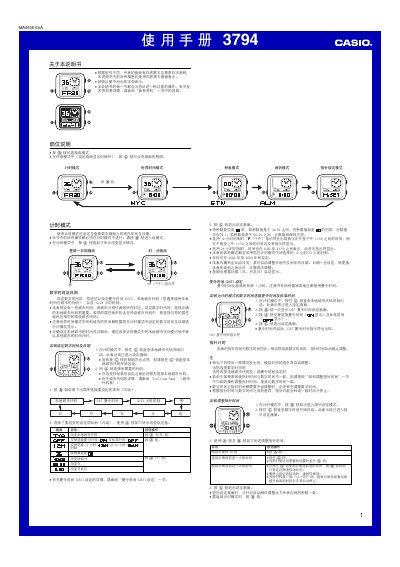
This manual provides step‑by‑step instructions for using the Casio 3794 digital watch. It covers basic time setting, mode selection, and how to access the reference data for city codes and daylight‑saving adjustments.
Key sections describe the World Time mode, DST (Daylight Saving Time) configuration, Stopwatch operation, Alarm and hourly chime settings, LED illumination control, and how to adjust the analog hands to match the digital time. The document also includes a city‑code table for worldwide time zones. This manual is written in Chinese.
| Year range | 2000‑2095 |
|---|---|
| Automatic calendar | Adjusts month length and leap years automatically |
| LED illumination | LED backlight for visibility in darkness |
| Stopwatch limit | 59 minutes 59.99 seconds |
| Hand‑digital synchronization | Analog hands follow digital time automatically |
| 12/24‑hour format | Selectable 12‑hour or 24‑hour display |
Press and hold the @ button until the city code starts flashing, then use the @ button to select the desired code.
In time mode, press the @ button to toggle DST on or off; in world‑time mode, hold @ for a few seconds to switch between DST and standard time.
The stopwatch can measure up to 59 minutes and 59.99 seconds before it resets to zero.