
This manual introduces how to set the digital time and date of the watch.
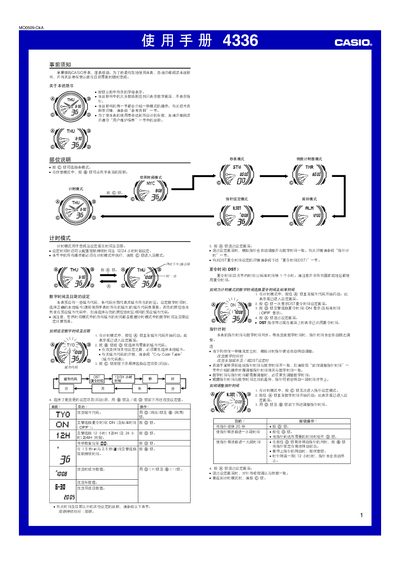
This manual provides step‑by‑step instructions for operating the Casio 4336 watch. It covers basic functions such as time and date setting, 12/24‑hour format, illumination control, and how to use the stopwatch, countdown timer and world‑time modes.
Additional sections describe daylight‑saving time adjustments, city‑code selection for world time, and maintenance tips like battery conservation and automatic return to the timing mode after inactivity. This manual is written in Chinese.
| Illumination type | LED |
|---|---|
| Illumination duration options | 1.5 s or 2.5 s |
| Year‑setting range | 2000 – 2099 |
Use the @ button together with the other control button to set the illumination time to either 1.5 seconds or 2.5 seconds.