
This is a user manual of a watch, which introduces how to set time, date, daylight saving time, pointer time and other functions.
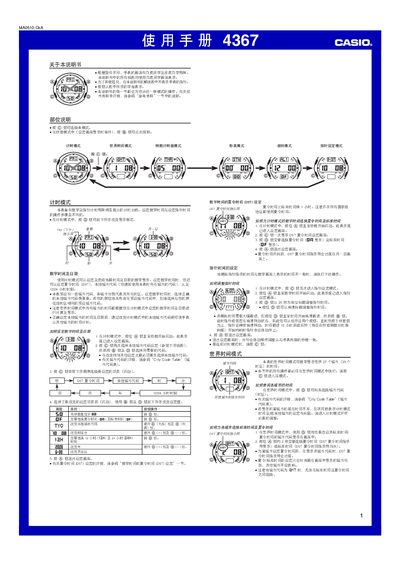
This manual describes the operation of the Casio 4367 watch, covering its main modes such as timer, countdown timer, stopwatch and world‑time. Each mode is accessed with the @ button and settings are changed using the same button and the directional keys.
The guide also explains how to set the local city code, enable daylight‑saving time, choose 12‑hour or 24‑hour display, and use the back‑light. Details on alarms, illumination duration and automatic date adjustment are provided. This manual is written in Chinese.
| Year setting range | 2000‑2039 |
|---|---|
| Number of daily alarms | 5 (one hourly, four single‑time) |
Enter the timer mode, press @ to open the setting screen, then press @ to toggle DST on or off.
Press @ to enter countdown timer mode, set the desired minutes, then press @ to start the countdown.