
Instruction manual, introduces the use methods of watch's timekeeping, stopwatch, countdown timer and alarm functions.
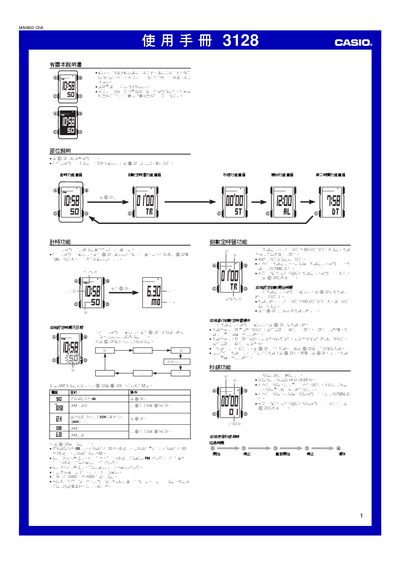
This manual provides step‑by‑step instructions for operating the Casio 3128 digital watch. It covers basic functions such as time setting, 12‑hour/24‑hour format selection, and calendar configuration, as well as advanced features like stopwatch, countdown timer, alarm and illumination.
Each function is accessed via the labeled buttons shown in the diagrams. The guide also includes notes on battery usage, automatic backlight operation, and how to stop alerts or alarms by pressing any button. This manual is written in Chinese.
| Time format | 12‑hour or 24‑hour |
|---|---|
| Year setting range | 2000‑2099 |
| Stopwatch maximum time | 59 min 59.99 s |
| Illumination source | Electronic light board |
| Battery impact of illumination | Frequent use drains battery quickly |
Use the setting function to toggle between 12 H and 24 H modes.
Press any button after the alarm sounds to stop it.
Press and hold the designated button (shown as @) to activate the backlight.
The year can be set from 2000 to 2099.