
Instruction manual, introduce the functions of the watch, including timing, world time, stopwatch, countdown timer, alarm clock and other functions
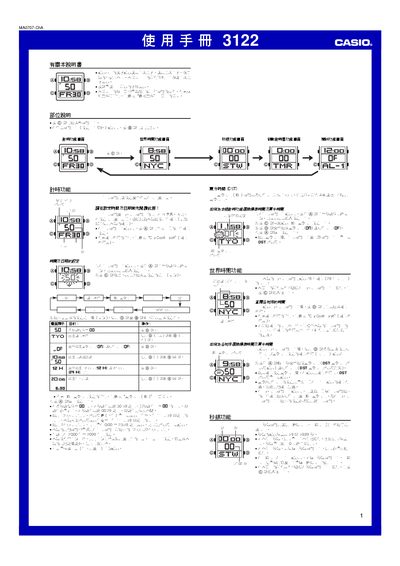
This manual explains how to operate the Casio 3122 watch, covering basic time and date setting, daylight‑saving adjustments, and the selection of a residence city for world‑time display. It also describes the use of the stopwatch, countdown timer, multiple daily alarms, and the back‑light illumination.
Additional sections detail button‑press sounds, mute mode, automatic return to the time screen after inactivity, and a city‑code table for worldwide time zones. This manual is written in Chinese.
| Year setting range | 2000‑2099 |
|---|---|
| Stopwatch display limit | 59 min 59.99 s |
| Daily alarms | 5 |
| Illumination duration | 1.5 s or 3 s |
| World‑time cities | 48 cities, 29 time zones |
| Auto calendar | Adjusts month length and leap year automatically |
The watch provides five independent daily alarms.
The stopwatch can count up to 59 minutes 59.99 seconds, then it rolls over to 0.