
This document is a user manual, which introduces the use of the watch, including how to set time, date, stopwatch, etc.
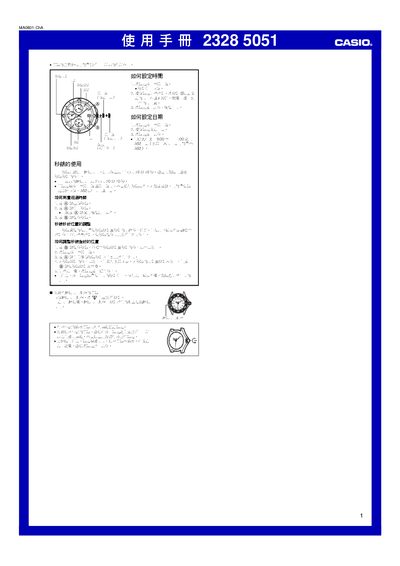
This manual provides step‑by‑step instructions for setting the time and date on the Casio 2328/5051 watch. It describes how to pull the crown to the appropriate position, adjust the hour, minute and second hands, and return the crown to its normal position.
The guide also covers the stopwatch feature, including start/stop operation, measurement limits, preset times, and how to adjust the stopwatch hands. Additionally, it explains the water‑resistance design with a screw‑lock crown and precautions for maintaining the seal. This manual is written in Chinese.
| Stopwatch maximum measurement time | 11 h 59 m 59 s |
|---|---|
| Water‑resistance feature | Screw‑lock crown |
Pull the crown out to the second position, stop the second hand, turn the crown to adjust the hour and minute hands, then push the crown back.
Pull the crown out to the first position and rotate it to set the date, then push the crown back to its normal position.
The stopwatch can measure up to 11 hours, 59 minutes, and 59 seconds.
The watch has a screw‑lock crown; ensure the crown is fully screwed in before exposure to water.