
The manual introduces the operation methods of watch functions such as timing, world time, stopwatch and alarm clock.
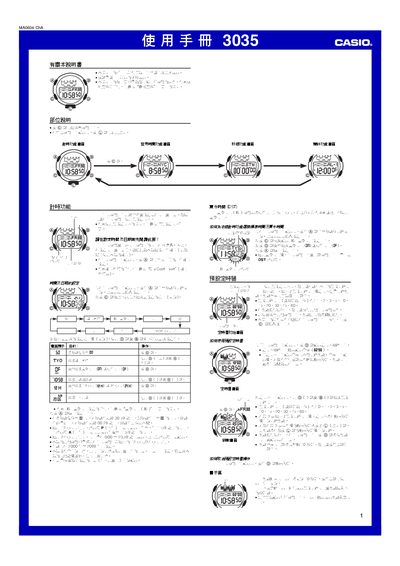
This manual provides step‑by‑step instructions for setting the time, date, and city code, as well as configuring daylight‑saving time (DST). It also describes how to navigate between the timer, stopwatch, world‑time, and alarm screens using the @ and @@ buttons.
Additional sections cover the watch’s illumination, button‑click sounds, automatic return to the time screen, and a complete city‑code table for the world‑time function. This manual is written in Chinese.
| Year range for setting | 2000‑2099 |
|---|---|
| Stopwatch display limit | 59 min 59.99 sec |
| Automatic calendar | Adjusts month length and leap years automatically |
Press and hold the @ button until the seconds digits flash, then use the @ and @@ buttons to change the hour, minute, year, month, and day values.