
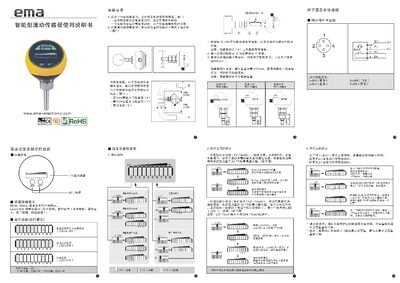
This manual explains how to install the EMA Intelligence flow sensor, including proper placement in horizontal pipelines, insertion depth of 12 mm, and minimum pipe diameter requirements. It also details wiring connections, terminal diagrams, and the correct use of adapters and nuts.
The document covers menu navigation, LED indicator functions, parameter settings such as high/low flow thresholds, normally open/closed output behavior, keyboard lock/unlock procedures, and factory reset steps. Technical specifications for liquid and gas media, power supply, protection rating, and sensor probe material are also provided. This manual is written in Chinese.
| Liquid medium temperature range | 25‑80 °C |
|---|---|
| Gas medium temperature range | -25‑80 °C |
| Liquid flow range | 3‑300 cm/s |
| Gas flow range | 200‑3000 cm/s |
| Maximum sensitivity flow range (liquid) | 3‑60 cm/s |
| Maximum sensitivity flow range (gas) | 200‑800 cm/s |
| Power supply | 85‑265 VAC |
| Protection rating | IP67 |
| Impact resistance | 50 g |
| Sensor probe material | Stainless steel (S304) |
| LED indicator type | 3‑color LED ×10 |
Press the MODE/ENTER button twice to display the current settings, then follow the reset procedure described in the manual.
Hold the two designated buttons for about 10 seconds; the two green LEDs will flash to indicate that the keyboard is unlocked.
The sensor probe should be inserted about 12 mm into the pipe to ensure proper measurement.