
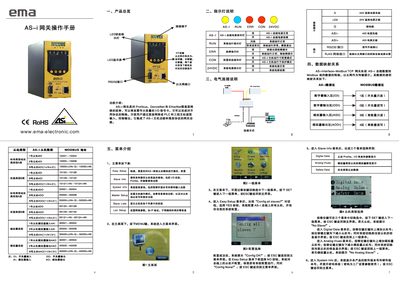
This manual describes the EMA AS-i Gateway, which bridges high‑level networks such as Profibus, DeviceNet and Ethernet to AS‑i fieldbus devices. It explains the hardware layout, indicator lights, data mapping between AS‑i and Modbus, and the menu structure for configuration and diagnostics.
The guide covers installation requirements, wiring, network parameter settings (IP, subnet mask, gateway, Modbus address), password management, and how to reset or change slave addresses. Technical specifications such as operating voltage, temperature range, humidity limits, and protection rating are also listed. This manual is written in Chinese.
| Operating Temperature | -10 °C to 40 °C |
|---|---|
| Storage Temperature | -25 °C to 70 °C |
| Operating Humidity | 15 % – 85 % |
| Storage Humidity | 15 % – 95 % |
| Supply Voltage | 20 V – 36 V DC |
| Rated Current | 70 mA |
| Protection Rating | IP20 |
| Maximum Vibration | 0.6 g |
Press the SET key to select the "Password:" field, use the left/right keys to change each digit, then confirm with "Are you sure?" and press SET again.