
This document describes the features and characteristics of the AG series products, including product specifications, functions, and usage methods.
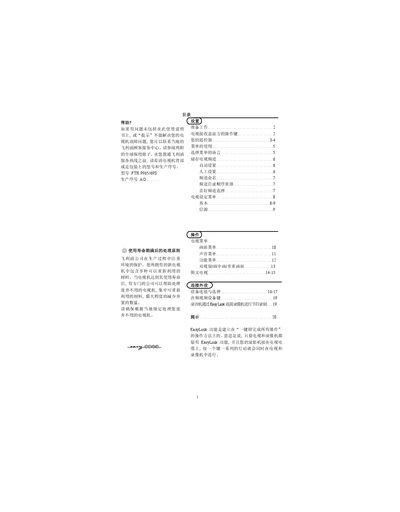
This manual guides users through the installation, basic operation, and advanced features of the Philips FTR 9965/698 television. It covers connecting antennas, external devices, using the remote control, and configuring menu options such as language, channel setup, and picture formats.
Additional sections explain the EasyLink function, dual‑view/picture‑in‑picture modes, OSD settings, and maintenance tips like cleaning the screen and handling power consumption. Troubleshooting advice helps resolve image or sound issues without opening the unit. This manual is written in Chinese.
| Input Voltage | 95‑264 V, 50/60 Hz |
|---|---|
| Power Consumption | ≈33 W |
| Standby Power | 2 W |
| Weight (without packaging) | 4 kg |
| Dimensions (W×H×D) | 43.5 × 10.5 × 33 cm |
| Operating Temperature Range | +5 °C to +40 °C |
Use a soft cloth or microfiber pad; do not use spray cleaners that could damage the screen.
EasyLink lets you perform common actions with a single button, automatically controlling both the TV and a compatible VCR or DVD recorder.
The TV consumes about 33 W during operation and 2 W in standby.