
This manual introduces the use of Magellan Maestro 4220, including safety instructions, installation instructions, use instructions, and troubleshooting
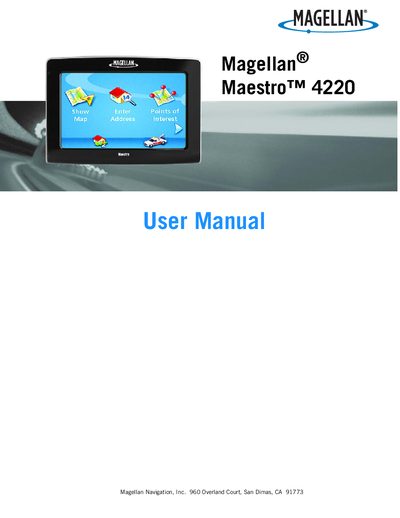
This manual explains how to safely install the Magellan Maestro 4220 navigation aid, including mounting options, power connections, and battery handling. It also covers the device’s basic operation, map functions, volume and brightness controls, and how to create and manage addresses and points of interest.
Additional sections describe how to back up and restore address‑book data to an SD/MMC card, view technical GPS information, and adjust settings such as auto‑power shutdown, alarm parameters, and map display modes.
| Full charge time | approximately 6 hours |
|---|---|
| Charging temperature range | Stops below 32°F (0°C) or above 113°F (45°C) |
| Battery type | Rechargeable, non‑removable |
| Approved power adapters | Car charger supplied with device; optional AC adapter accessory |
It takes about six hours of charging through the cigarette‑lighter adapter or the optional AC adapter.
Charging stops when the ambient temperature is below 32 °F (0 °C) or above 113 °F (45 °C).
No, the battery is not user‑replaceable; contact Magellan Technical Support for any battery issues.
Only the car charger supplied with the device or the optional Magellan‑branded AC adapter should be used.