
Magellan Maestro 3220 User Manual
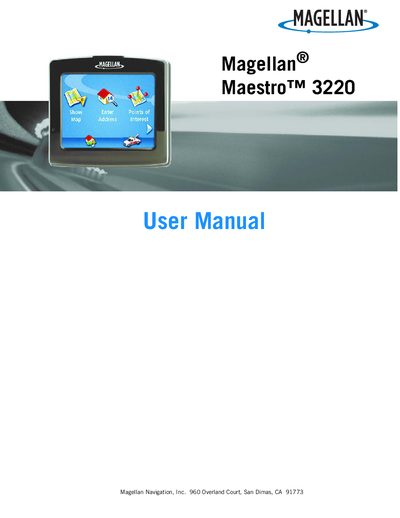
This manual explains how to safely install and mount the Magellan Maestro 3220, including the use of the supplied adhesive disk and optional windshield mount. It also covers battery handling, charging requirements, and the device’s power sources.
The guide walks users through powering the unit on, navigating the main menu, managing addresses, points of interest, and routes, and using the backup and restore functions to protect address‑book data. Additional sections describe volume, brightness, map display options, and GPS positioning.
| Battery charging time | Approximately 4 hours for a full charge |
|---|---|
| Power source | Cigarette‑lighter adapter or optional AC adapter |
| Mounting options | Adhesive disk supplied for dashboard mounting |
It takes about four hours to fully charge the device using the cigarette‑lighter or optional AC adapter.
No. The manual advises not to attempt battery replacement and to contact Magellan Technical Support.
Insert an SD or MMC card, go to User Options → Backup and Restore, and select Backup.