
Magellan RoadMate 1200 User Manual
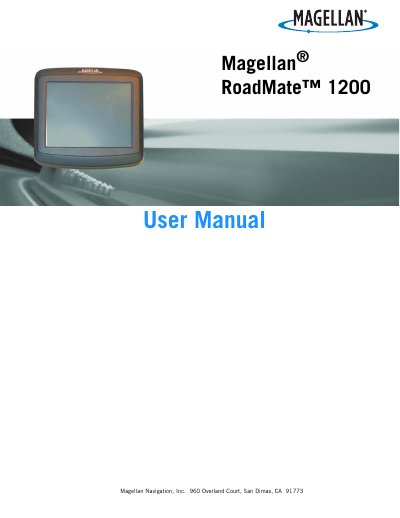
This manual explains how to safely install the Magellan RoadMate 1200 navigation aid, including mounting options, power connection, and basic operation. It also covers FCC and IC compliance, battery charging guidelines, and user interface navigation.
Later sections describe how to manage addresses, points of interest, routes, map settings, and how to back up or restore data using an SD/MMC card.
| Battery charging time | approximately 4 hours |
|---|---|
| Battery type | rechargeable, not user‑replaceable |
It takes about four hours to fully charge the device using the cigarette‑lighter adapter or the optional AC adapter.
No. The battery is not user‑replaceable; you must contact Magellan Technical Support for any battery issues.
The device includes an adhesive disk for dashboard mounting and can also be mounted on the windshield where legal.