
Magellan Maestro 5310 User Manual
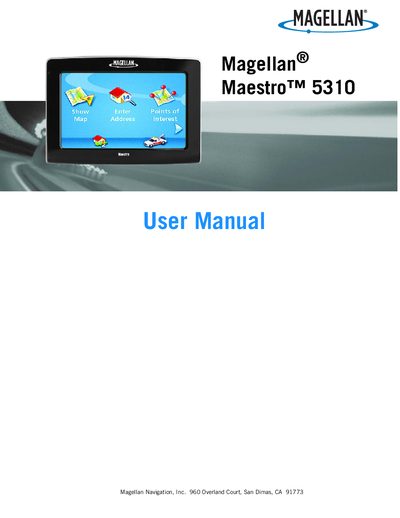
This manual explains how to safely install and mount the Magellan Maestro 5310 navigation device, including mounting options, adhesive disk usage, and power connections. It also covers basic operation such as turning the unit on and off, adjusting volume and brightness, and navigating the main menu.
Additional sections describe how to manage addresses, create routes, use points of interest, back up and restore data, and handle traffic information. Safety warnings, FCC/IC compliance statements, and battery handling guidelines are included throughout.
| Full Battery Charge Time | approximately 6 hours |
|---|---|
| Battery Type | Rechargeable, non‑removable |
It takes about six hours of charging with the vehicle power adapter or optional AC adapter to reach a full charge.
No, the battery is not user‑replaceable; you must contact Magellan Technical Support for any battery issues.
Insert an SD or MMC card, go to User Options → Backup and Restore, tap Backup, and confirm the operation.