
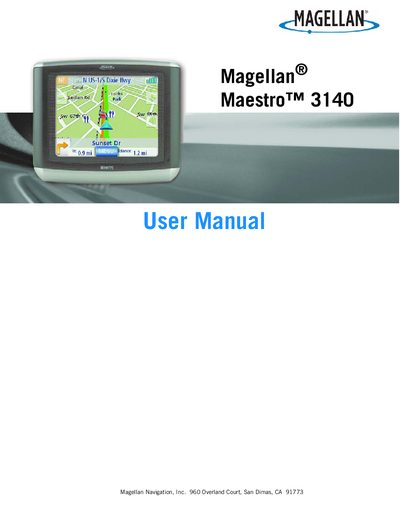
This file is the Magellan Maestro 3140 user manual, which introduces the features and characteristics of the product, including installation, use methods and safety precautions
This manual begins with important safety warnings, including state restrictions on windshield mounting, the use of the supplied adhesive disk, and precautions for battery charging and RF exposure. It also outlines the power requirements and the limited power source specifications for the device.
The guide then covers installation, basic operation, map navigation, address book management, Bluetooth pairing, and data backup/restore procedures. Detailed sections explain how to use the various screens, set routes, access AAA services, and customize user options such as volume, brightness, and language.
Use the supplied adhesive disk as an alternate mounting solution and avoid mounting on the windshield where prohibited by state law.
Insert an SD or MMC card, go to User Options → Backup and Restore, tap Backup, confirm, and the data will be saved to the card.