
Magellan RoadMate is a vehicle-navigation aid designed to assist you in arriving to your selected destinations.
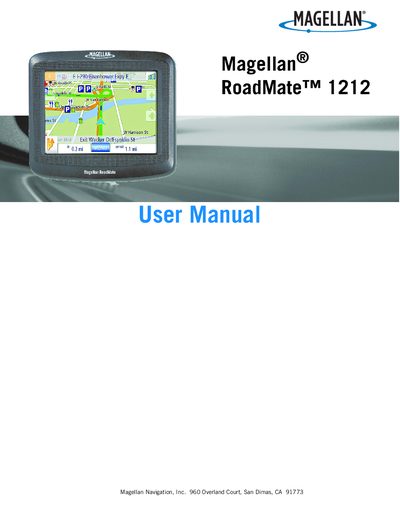
The Magellan RoadMate 1212 is a vehicle‑navigation aid that helps drivers reach selected destinations. This manual covers safety warnings, mounting options, power requirements, and basic operation such as turning the device on and off, using the map screens, and creating routes.
Detailed sections explain how to manage addresses, favorites, points of interest, and GPS settings, as well as how to back up and restore data using an SD/MMC card. The guide also includes FCC and IC compliance statements and troubleshooting tips.
| Battery type | rechargeable, non‑removable |
|---|---|
| Optional AC adapter | available as accessory |
| Vehicle power cable | approved cable supplied with device |
From the Main Menu select User Options, then GPS Options, tap Set GPS Position, enter your current address, and tap Done.