
Magellan RoadMate 1412 User Manual
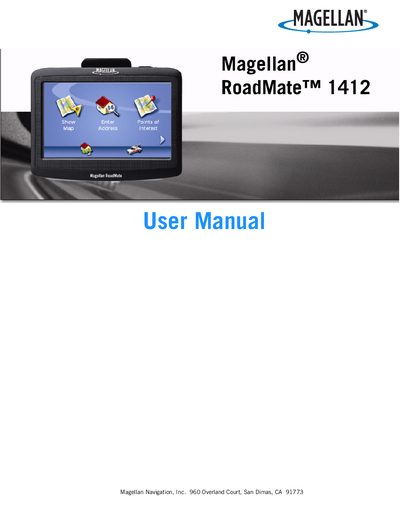
This manual explains safety requirements for installing and using the Magellan RoadMate 1412, including mounting restrictions, battery handling, and FCC/IC compliance. It also covers charging guidelines and the optional AC adapter.
The guide walks users through powering the device on and off, navigating the main menu and keypad, using map screens in 2D/3D modes, managing points of interest, and backing up or restoring address‑book data via an SD/MMC card.
| Battery type | Rechargeable |
|---|---|
| Charging connectors | Vehicle power cable (approved) or optional AC adapter |
| Optional AC adapter | Available as accessory |
No. The battery should not be removed; contact Magellan Technical Support for battery issues.
Insert an SD or MMC card, then use the Backup and Restore menu to back up the address book and other data.