
The Magellan Maestro is a vehicle-navigation aid designed to assist users in arriving at selected destinations. This document provides safety rules to be followed when using the Magellan Maestro to prevent accidents.
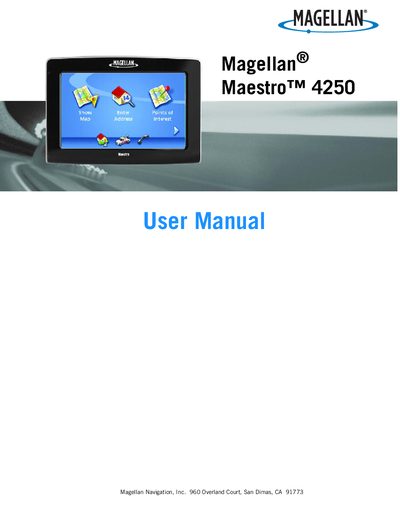
This manual begins with important safety warnings, including legal restrictions on windshield mounting and battery handling. It then guides you through installing the device, connecting power, and using the main menu and keypad.
Subsequent sections cover map navigation, point‑of‑interest routing, AAA roadside assistance features, Bluetooth pairing, and how to back up and restore address‑book data on an SD/MMC card.
| Battery charging time | Approximately 6 hours |
|---|---|
| Battery operating temperature range | 32°F (0°C) to 113°F (45°C) |
It takes about six hours using the vehicle power adapter or the optional AC adapter.
Charging stops if the ambient temperature is below 32°F (0°C) or above 113°F (45°C).
Yes, California and Minnesota law prohibit mounting any item to the windshield; use the supplied adhesive disk instead.