
This is a Pantech Crossover user manual, which introduces the basic functions, usage methods and safety precautions of the phone.
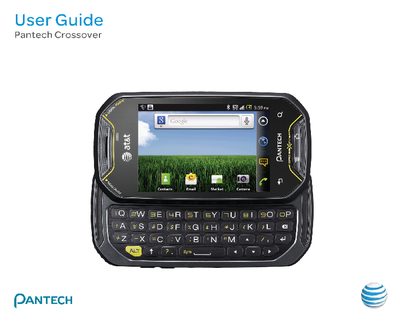
This guide covers important safety information, battery handling, and basic operation of the Pantech Crossover. It explains how to install the SIM/USIM and microSD cards, charge and replace the lithium‑ion battery, and turn the device on or off.
The manual also describes the Android 2.2 (Froyo) interface, AT&T‑specific applications, and how to use core features such as calling, messaging, email, web browsing, and media playback. Additional sections cover customizing the home screen, using Google services, and complying with regulations for airplane mode, hospitals, and hazardous areas.