
Pantech duo™ User Guide
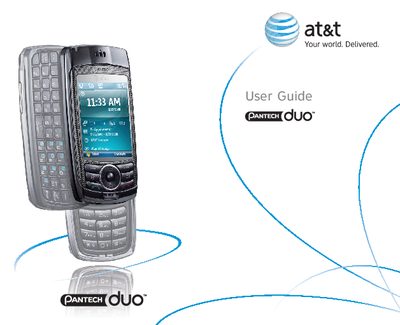
This guide introduces the AT&T Smart Device Pantech duo™ running Microsoft Windows Mobile™ 6. It outlines the device’s hardware features such as a 240 × 320 pixel TFT color display, full QWERTY keyboard, 2 MP CMOS camera, Bluetooth, and microSD card slot, and explains how to use core functions like voice command, messaging, and internet access.
The manual is organized into chapters covering basic operation, contacts, calendar, voicemail, music, AT&T Mall, cellular video, email, Bluetooth/ActiveSync, camera, and settings. Each section provides step‑by‑step instructions, menu shortcuts, and troubleshooting tips to help users get the most out of their Pantech duo.
| Operating System | Microsoft Windows Mobile™ 6 |
|---|---|
| Display | Full graphic TFT 262K Color LCD (240×320 pixel) |
| Keyboard | Full QWERTY keyboard |
| Camera | CMOS Camera (2.0 mega‑pixels) |
| Bluetooth | Built‑in Bluetooth Technology |
| External Memory | microSD Card (SDIO Support) |
| Voice Command | Advanced Voice Command Technology |
| Messaging | 2‑Way Text Messaging, Multimedia Messaging Service, E‑mail Messaging Service |
| Synchronization | ActiveSync® for PC sync |
From the Start screen press the Start soft key, then press 8 for AT&T Mall, and then select the number for Shop Tones.
Use ActiveSync®; it keeps your PC and the Pantech duo synchronized at all times.
In the Settings menu select the Bluetooth option and toggle it on or off.
Open the Messages menu, then choose New E‑mail Account.