
This manual describes how to use the Pantech C300 mobile phone.
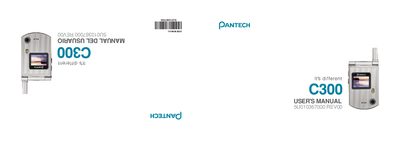
This manual introduces the Pantech C300, a lightweight tri‑band GSM mobile phone with a clamshell design, internal and external TFT displays, a VGA camera, and MP3 ringtones. It covers the phone’s features, menu navigation, key functions, and detailed specifications such as display size, battery capacity, and network support.
The guide also includes important safety precautions, including rules for phone use while driving, in aircraft, hospitals, and other restricted areas, as well as instructions for activating flight mode and using hands‑free devices.
| Internal display size | 1.52" LCD |
|---|---|
| External display size | 1.0" LCD |
| Display colors | Up to 262K colors, 128 x 128 pixels |
| Camera resolution | 640 x 480 (307,200 pixels) |
| Talk time | Up to 3 hours |
| Standby time | 250 hours |
| Weight | 70.9 g |
| Dimensions | 69 mm × 43 mm × 19.2 mm |
| Supported networks | GSM 850, DCS 1800, PCS 1900 |
Press the Menu soft key, select Settings, then Phone, and finally select Flight Mode.
Use a hands‑free device or pull over safely; avoid using the phone while driving and switch it off in restricted or explosive areas.