
This document is a user manual for Samsung mobile devices, which introduces the features and characteristics of the devices, as well as precautions before use.
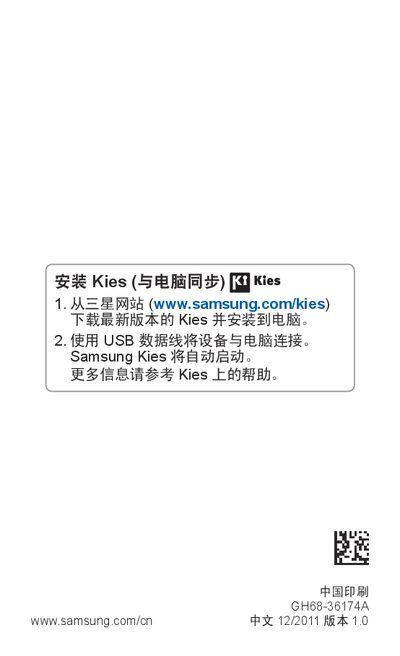
This manual guides you through installing the GT‑B5510, including inserting the SIM/USIM card, battery placement, and connecting accessories. It also covers basic device functions such as powering on/off, using the touch screen, and navigating the Android‑based interface.
Additional sections explain connectivity options (Bluetooth, WLAN, GPS), how to use built‑in applications (phone, messaging, camera, music, and internet), and important safety and regulatory information, including cleaning and handling precautions. This manual is written in Chinese.
| Maximum SAR | 0.502 W/kg |
|---|
Use a soft cloth or cotton swab to clean the device and battery contacts; do not use chemicals, cleaners, or abrasive materials.