
The ScanSnap S510 is a double-sided scanner capable of scanning in both monochrome and color. It can turn images on paper into PDF files and make them searchable with just the press of a button! You can convert cluttered documents on your desk into PDF files for easy management and archiving on your computer. With the included Adobe® Acrobat®, you can easily view, edit, and search PDF files. Additionally, the ScanSnap can automatically recognize the type of document (color or black-and-white) to reduce the size of the scanned image file. It can also automatically remove blank pages to further reduce file size. Furthermore, it offers fast and efficient scanning, capable of scanning double-sided color documents at a speed of 18 sheets per minute on A4 or letter size paper.
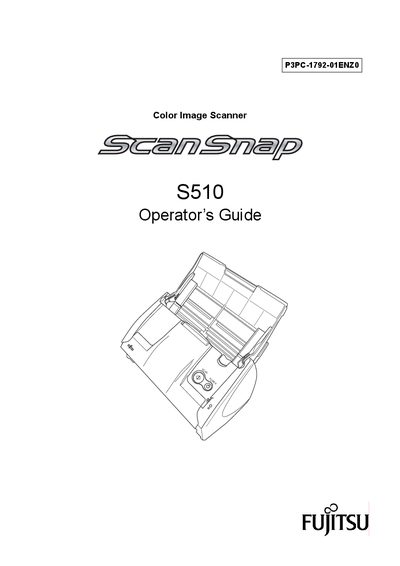
This guide provides step‑by‑step instructions for installing the ScanSnap S510, connecting it to a PC, and using its Quick Menu and automatic features. It covers scanning settings, file handling, and how to convert scans to searchable PDFs, Word, Excel, or PowerPoint files.
Additional sections describe routine care, troubleshooting, and replacing consumables such as the carrier sheet and pick roller, as well as regulatory compliance information for FCC and Canadian standards.
| Scanning speed | up to 18 sheets/minute (Normal mode, Color Auto, Compression 3) |
|---|---|
| Supported paper size | A4 or Letter, double‑sided |
| Maximum AC cable length | 3 m (10 ft) or less |
The ScanSnap S510 can scan up to 18 sheets per minute in Normal mode with Color set to Auto and Compression rate 3.
Yes, you can attach the scanned image to e‑mail without starting any other applications.
The AC power cable must be 3 meters (10 feet) or shorter.