
This is a user guide for the Canon fi-5530C scanner, which introduces how to use the scanner's basic operations, scan various types of documents, daily maintenance, replace consumables, troubleshooting, etc.
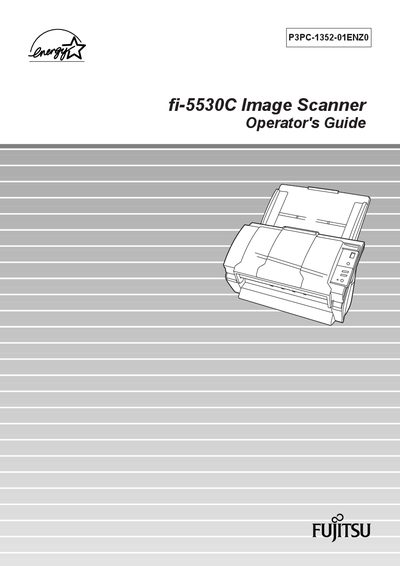
This Operator's Guide explains how to set up and use the Fujitsu fi-5530C duplex color scanner. It covers turning the scanner on, loading documents, using the scanner driver, and saving scanned images in PDF format.
The manual also details daily care, consumable replacement, ADF specifications, and troubleshooting steps for common issues such as jammed documents and error indications.
Turn the scanner on using the power switch as described in the guide.
Replace the pick roller following the instructions in the Replacing Consumables section.