
This document is the operator's guide for the ScanSnap!TM fi-4110EOX2 duplex color scanner. It describes the features and functions of the product, as well as how to use it for scanning and managing files.
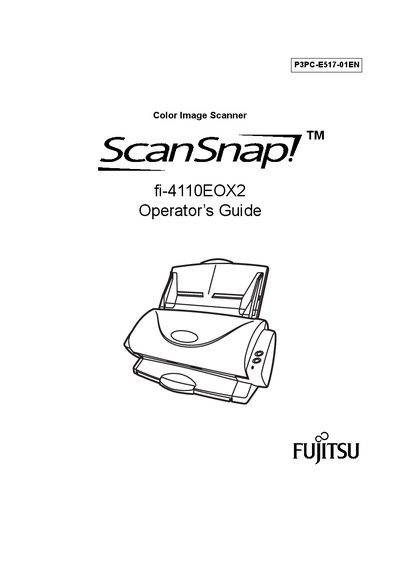
This guide introduces the ScanSnap! fi-4110EOX2 duplex color scanner, highlighting its compact desktop footprint, automatic document type recognition, blank‑page removal, and included software such as Adobe® Acrobat® and CardMinder!™ for PDF creation and business‑card management.
It covers package contents, installation steps, connecting the scanner to a computer, basic scanning procedures, settings adjustments, troubleshooting, daily care, and regulatory information. Safety precautions, energy‑star compliance, and warranty notes are also included.