
This is a user manual for M3093EX and M3093GX scanners. It introduces the operation methods, maintenance methods and solutions to common problems of the scanners.
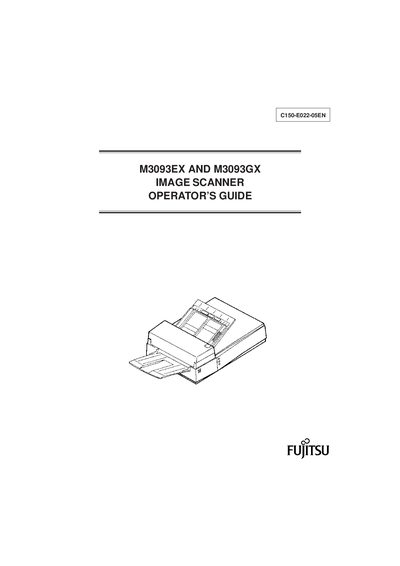
This Operator's Guide explains how to install, configure, and use the Fujitsu M3093EX and M3093GX image scanners. It covers component identification, connection procedures, SCSI‑ID settings, and safety warnings.
The manual also details routine maintenance tasks such as cleaning, pad and pick‑roller replacement, and includes a troubleshooting section with common error checks. Appendices provide installation specifications, external dimensions, and test modes for service technicians.
| Interface (M3093EX) | RS232C |
|---|---|
| Interface (M3093GX) | SCSI‑2 |
| Image size (M3093EX) | A4 size or letter |
A WARNING indicates that personal injury may result if you do not follow a procedure correctly.
The manual should be read before operating the image scanner to ensure correct operation.
The guide covers the Fujitsu M3093EX and M3093GX image scanners.