
This is an instruction manual for the M3097E+ and M3097G+ scanners, which introduces the basic usage methods, functions and precautions of the scanners.
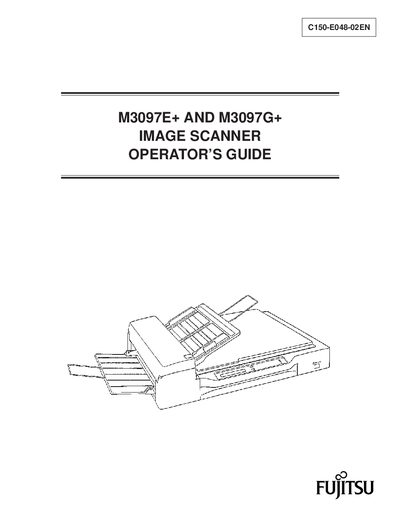
This manual explains how to operate the Fujitsu M3097E+ and M3097G+ image scanners. It includes safety alerts, component descriptions, installation steps, and detailed operating procedures for both flatbed and ADF modes.
The guide also provides maintenance instructions, troubleshooting tips, and compliance information for radio‑frequency emissions, ensuring safe use in commercial or residential environments.
| Interface (M3097E+) | RS232C |
|---|---|
| Interface (M3097G+) | SCSI |
Yes, the equipment complies with Class A limits under the FCC Part 15 rules and Canadian radio‑interference regulations.
The M3097E+ uses an RS232C interface and supports a document counter, while the M3097G+ uses a SCSI interface, adds an 8‑bit grayscale function, and also includes a document counter.