
This document is a user guide released by Canon Inc., which introduces the precautions for installing software and printer drivers when connecting a printer to a computer. It also mentions that there may be slight differences in actual screen contents and procedures for different software versions.
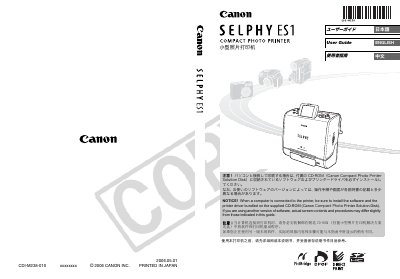
This manual explains how to install the SELPHY ES1 printer, including connecting it to a computer via USB or IrDA, and installing the bundled software and driver from the supplied CD-ROM. It also covers safety precautions, power connection, and basic configuration of the printer’s LCD menu.
The guide details the printing functions such as creating postcards, photo prints, and custom layouts, describes the use of the integrated ink cartridge, supported media sizes, and how to load SD cards or Memory Sticks. Maintenance procedures, troubleshooting tips, and uninstall instructions for Windows and Macintosh are also provided. This manual is written in Japanese.
| Print size | 100 x 148 mm (4 x 6 inches) |
|---|---|
| Power input | DC IN terminal |
| Supported memory media | SD card, Memory Stick |
Install the software and printer driver from the CD-ROM that comes with the printer (Canon Compact Photo Printer Solution Disk).
It prints on 100 × 148 mm (4 × 6 inches) postcard-sized media.
Press the PRINT/STOP button again to stop the printing process.