
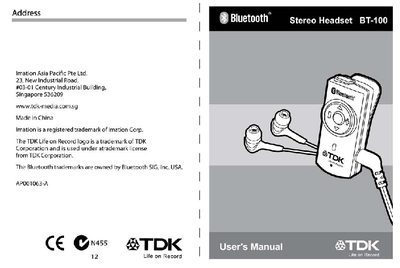
This manual introduces the TDK Life on Record BT-100 Bluetooth Stereo Headset, lists the package contents, and explains how to charge the device using a USB converter or an AC‑to‑USB adaptor. It also describes the headset’s appearance, button functions, and how to pair it with Bluetooth dongles or mobile phones.
The guide details LED indicators for battery status, pairing, and call activity, and includes important safety and warranty information for proper use of the headset.
| Charging connectors | USB converter, AC‑to‑USB adaptor |
|---|---|
| Default PIN | 0000 |
| LED indicator colors | Red and blue |
Connect the included USB converter to a PC USB port or use the AC‑to‑USB adaptor; the red LED will stay on while charging and turn off when fully charged.
Turn the headset off, hold the ON/OFF button for 5 seconds until the red and blue LEDs flash rapidly, then release; the headset will search and pair with the dongle.
Red on constantly means charging; both lights off means fully charged; red flashing means searching; blue flashing slowly means connected; specific patterns indicate call and music status.