
This quick start guide provides instructions on how to use the Zebra Cameo Series mobile printers. The guide covers the printer overview, loading paper, installing batteries, battery charging, connecting the printer, and printer control.
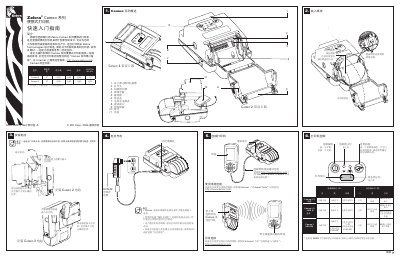
The guide introduces the Zebra Cameo series portable printers, highlighting their rugged design and optional accessories such as card readers, Wi‑Fi (802.11b) and IrDA. It explains how to install the battery, charge the unit, and perform the initial self‑test to verify firmware and configuration.
It also covers routine maintenance like cleaning the print head with the supplied cleaning pen or 70% isopropyl alcohol, battery disposal and recycling, and troubleshooting steps for common issues such as no power, paper jams, or wireless connectivity problems. This manual is written in Chinese.