
This document provides information about the services offered by HP Customer Service Center for the HP LaserJet 3150 product, global customer service options, online services, obtaining printer drivers and software, and domestic support and warranty information.
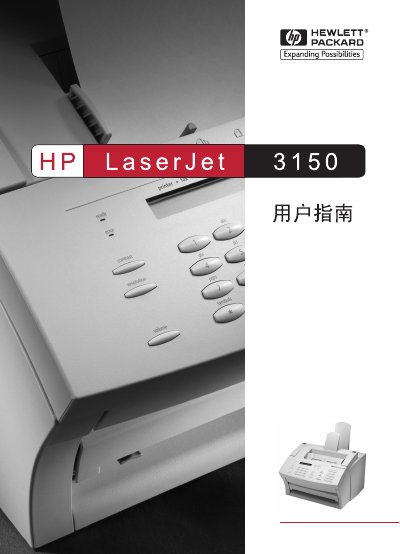
The HP LaserJet 3150 User Manual provides step‑by‑step instructions for installing and operating the printer, including fax, copy, scan and email functions. It also details safety warnings, supported media types and troubleshooting procedures.
The guide includes a full table of contents, detailed chapters on each function, a specifications appendix, and service & support information for worldwide customers. This manual is written in Chinese.
| Supported paper weight (regular media) | 16 to 27 lb (7.25–12.25 kg) |
|---|---|
| Supported paper weight (special media) | 28 to 42 lb (100–157 g/m²) |
| Minimum printable media size | 3 in × 5 in (76.2 mm × 127 mm) |
| Product number | C4256-90907 |
Clear the jam by removing paper from the input tray, output tray, or front‑exit slot, adjust the guides, and ensure the paper meets HP specifications.
Use the control‑panel menu to select the language option; the manual’s language‑menu section explains the steps.