
This help file provides detailed information about the HP Deskjet F4100 All-in-One series printer. Covers topics such as connecting, using paper and ink cartridges, printing, copying, and scanning.
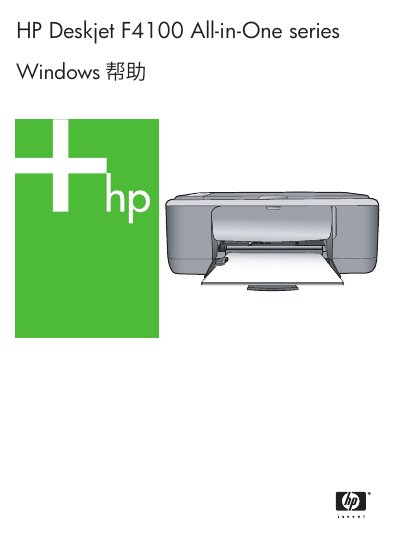
The HP Deskjet F4100 All-in-One is a multifunction printer that can print, copy, and scan documents and photos. It supports various media types including plain paper, photo paper, index cards, envelopes, and specialty media.
This user manual guides you through initial setup, loading media, using the control panel, printing from a computer, copying, scanning, maintaining the device, replacing ink cartridges, and troubleshooting common issues. This manual is written in Chinese.
| Paper weight (plain) | 20‑24 lb (75‑90 g/m²) |
|---|---|
| Paper weight (legal) | 20‑24 lb (75‑90 g/m²) |
| Scan optical resolution | up to 1200 × 2400 ppi |
| Scan enhanced resolution | up to 19200 ppi |
| Color depth | 48‑bit color, 8‑bit grayscale |
| Maximum copy enlargement | 200‑400 % |
| Maximum copy reduction | 25‑50 % |
| Maximum scan size | 21.6 × 29.7 cm |
Load the appropriate media by following the Loading Media and Paper section: insert standard paper, 4 × 6 in (10 × 15 cm) photo paper, index cards, envelopes, or other supported media types.