
HP Officejet 9100 All-in-One User Manual

This is a user manual that introduces the use of Canon series scanners
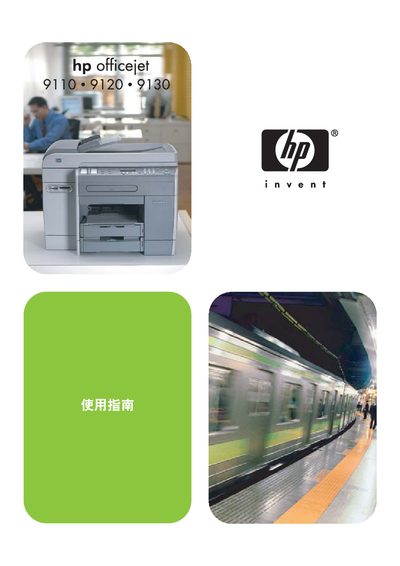

HP Officejet 9100 All-in-One User Manual - cover page
Brand
HP
Category
All-in-one printer
Document type
User Manual
Language
Chinese
Pages
262
File format
PDF
File size
9 MB
Published
28 March, 2012
Updated
30 September, 2023
Model
9.10
MD5 checksum
31F50683428E20772550900057B152BE

About this manual

This manual provides step-by-step instructions for using the HP Officejet 9100 all-in-one printer. It covers installation of accessories, printing, copying, scanning, faxing, and managing system settings. Safety precautions and maintenance tips are also included. This manual is written in Chinese.

What's inside

  • Using the All-in-One
  • Installing Accessories
  • Printing
  • Copying
  • Scanning
  • Faxing
  • Managing the Device

Frequently asked questions

What safety precaution must be taken before cleaning the product?

Before cleaning the product, unplug it from the wall socket.

What should be done if the product is not operating normally?

If the product is not operating normally, refer to the maintenance and troubleshooting section.

Download PDF (9 MB)

More HP Manuals


View all HP manuals →