
Philips CE151 Quick Start Guide

Product quick start guide, introduces how to connect the car wiring and how to use the product's functions
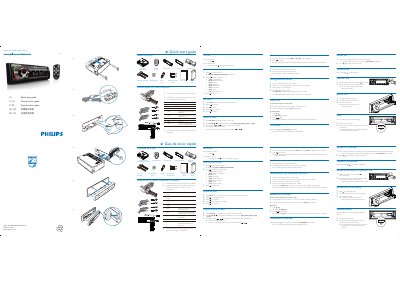

Philips CE151 Quick Start Guide - cover page
Brand
Philips
Category
Car Accessories
Document type
Quick Start Guide
Language
English
Pages
2
File format
PDF
File size
2.4 MB
Published
27 March, 2012
Updated
30 September, 2023
Model
CE151
MD5 checksum
25E6E16AFA3748839C8EBE421B3EADE0

About this manual

This guide walks you through unpacking the Philips CE151 car audio unit, connecting the supplied ISO male connector, and selecting your region and clock settings. It also lists the items included in the box such as the main unit, remote control, rubber cushion, and disassembly tools.

Key operations covered include pairing Bluetooth devices (default password 0000), making and receiving calls, storing radio stations automatically or manually, playing media from USB or SD card, and resetting the unit to factory defaults.

What's inside

  • What’s in the box
  • Connect the supplied male connector
  • Turn on and select operating region
  • Set clock
  • Radio operation
  • Store stations automatically
  • Store stations manually
  • Pairing Bluetooth devices
  • Making and receiving calls
  • Play from USB / Insert a card

Specifications

Connector typeISO male
Dimensions183 mm × 53 mm
Download PDF (2.4 MB)

More Philips Manuals


View all Philips manuals →