
This manual introduces the installation method of Philips car audio and explains the precautions that need to be taken during the installation process.
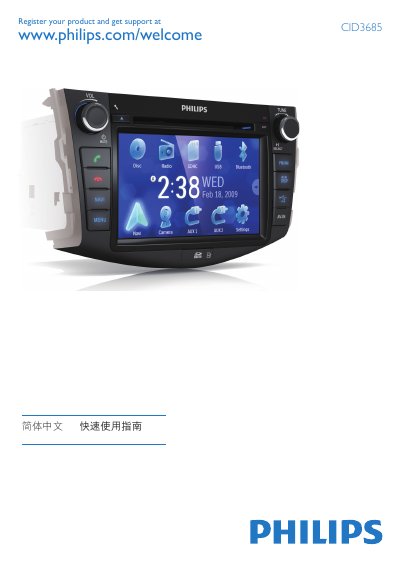
This guide explains how to install and operate the Philips CID3685 car audio system. It covers connecting power, speakers, GPS, and radio antennas, mounting the unit, and setting up language, time, and audio preferences. It also includes instructions for using maps, tuning radio stations, playing media from discs or USB, and connecting Bluetooth devices for calls and music. Safety warnings are included for proper installation and operation. This manual is written in Chinese.
| Operating Voltage | 12 V DC |
|---|
Navigate to the main menu, select [设置] > [时间], then adjust year, month, day, and clock mode (12Hr or 24Hr) using the navigation buttons.
The device can only operate on 12 V DC negative ground.
The default password is '0000'.
The available FM bands are FM1, FM2, and FM3.