
Register your product and get support, please scan the QR code below, or visit www.philips.com/welcome
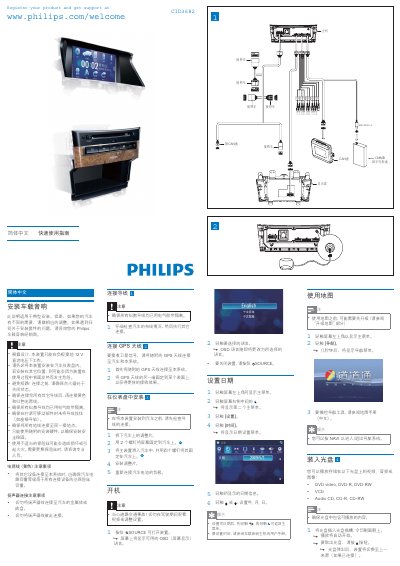
This guide covers the installation of the CID3682 car audio system, including mounting the unit, connecting power and speaker wires, and attaching the GPS antenna. It also provides safety notes such as using only the supplied hardware and ensuring a proper 12 V DC power source.
The manual explains how to operate the system: powering on, setting date and time, using navigation, connecting USB and Bluetooth devices, making phone calls, adjusting volume, and selecting equalizer presets. Detailed instructions for each function are included with on‑screen menu navigation. This manual is written in Chinese.
| Operating voltage | 12 V DC (negative ground) |
|---|---|
| Maximum Bluetooth paired devices | 8 devices |
| Bass EQ range | -14 to +14 dB |
| Treble EQ range | -14 to +14 dB |
Open the device’s Bluetooth, search for “CID3682”, select it, and enter the default PIN “0000”.
Up to eight Bluetooth devices can be paired.
It operates on a 12 V DC supply with the negative terminal grounded.
Use the VOL + / – buttons on the steering wheel or rotate the volume knob on the unit.