
This document is about Philips product registration and support. By registering the product, users can access support and services. The document provides detailed steps and information on product registration.
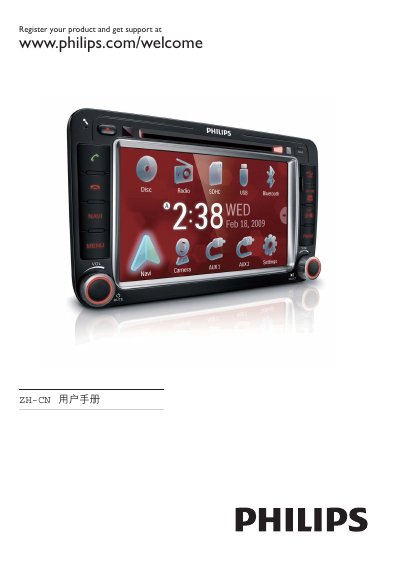
This manual provides instructions for using the Philips car entertainment system, including setup, media playback, and connectivity options. It covers features such as Bluetooth, USB, SD/MMC, FM/AM radio, and DVD/CD playback. The system supports various input sources and includes safety and environmental compliance information.
The manual is designed for end users and includes diagrams and step-by-step guidance for operating the system in a vehicle environment. This manual is written in Chinese.
| Supported Media | DVD, VCD, CD, USB, SD/SDHC/MMC |
|---|---|
| Power Supply | 12V |
Use the Bluetooth function to pair and connect your device. Follow the on-screen instructions for setup.
The system supports DVD, VCD, CD, USB, and SD/SDHC/MMC cards.
The system requires a 12V power supply.