
This hands-on consist of a number of tasks. The first task shows how to connect everything and assure that your hardware is working properly. The second task explains how to set up a project and configure simple Atmel QTouch buttons. The next task show how to configure a more advanced sensor and how to use the debug interface in order to take advantage of the live debugging features of QTouch Studio. Basics for Atmel AVR Studio, WinAVR or tools use are not covered.
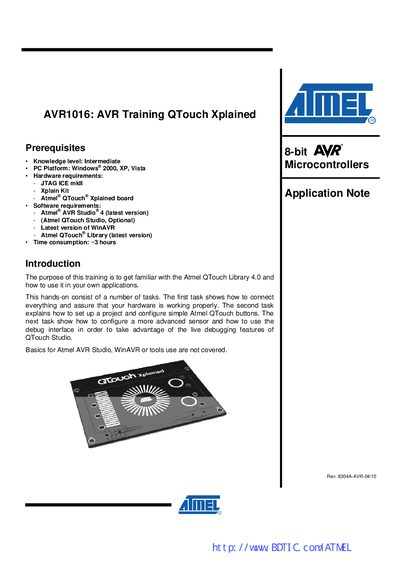
The AVR1016 training guide introduces the Atmel QTouch Library 4.0 and shows how to use it with the QTouch Xplained board. It lists prerequisites such as an intermediate knowledge level, a Windows PC, JTAG ICE mkII, the Xplain kit and the Atmel QTouch Xplained board, and explains the required software tools (AVR Studio, QTouch Studio, WinAVR, QTouch Library).\n\nThe document is organized into several assignments: connecting tools and flashing the bridge chip, creating simple button projects, adding a slider and using the debug interface, and a final summary. It also provides Atmel technical support contact information.
| Microcontroller used on Xplain board | ATxmega128A1 |
|---|---|
| Bridge chip on Xplain board | AT90USB1287 |
| QTouch Library version | 4.0 |
| AVR Studio version | 4 (latest) |