
Philips SPF2017/SPF2027 Digital Photo Frame User Manual

The document provides information on the registration and support for SPF2017 SPF2027 PhotoFrame, as well as its features and characteristics.
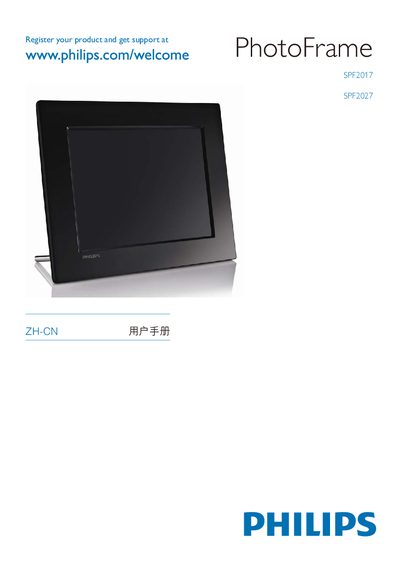

Philips SPF2017/SPF2027 Digital Photo Frame User Manual - cover page
Brand
Philips
Category
Other Electronics
Document type
User Manual
Language
Chinese
Pages
34
File format
PDF
File size
1.9 MB
Published
27 March, 2012
Updated
29 September, 2023
MD5 checksum
77F000AFF7C0A16AA1E89A22494CB369

About this manual

This manual provides instructions for the Philips SPF2017 and SPF2027 digital photo frames. It covers initial setup, including installing the stand, connecting power, and selecting the display language. The guide details how to connect storage devices like SD cards, USB drives, and computers to display photos. This manual is written in Chinese.

What's inside

  • Safety
  • Product Overview
  • Installation
  • Connecting Power
  • Displaying Photos
  • Managing Albums
  • Slideshow
  • Settings
  • Product Information
  • Glossary

Frequently asked questions

What is required to start the digital photo frame for the first time?

Press and hold the 'o' button for more than 1 second to access the language setting menu.

What is the purpose of the Kensington security lock on the digital photo frame?

The Kensington security lock is a part of a security system used to connect anti-theft devices, especially on portable electronics.

Download PDF (1.9 MB)

More Philips Manuals


View all Philips manuals →