
This document is the user manual of PHILIPS CAM200, which introduces the features and characteristics of the product
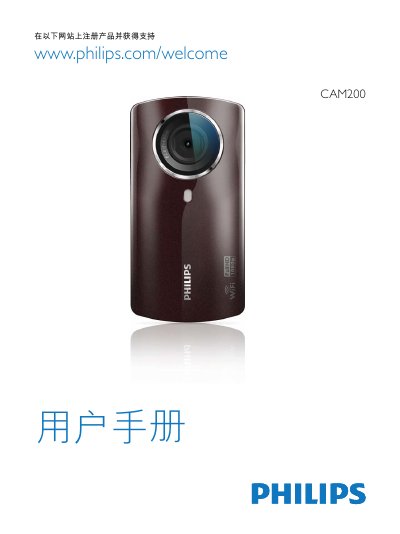
This manual provides instructions for using the Philips CAM200, including setup via HDMI and USB, connecting to devices, and managing media. It also covers troubleshooting and safety information for the device.
The CAM200 supports HDMI input, USB connectivity, and Micro SD card insertion for media storage. It includes features like Wi-Fi connectivity and remote control options for user convenience. This manual is written in Chinese.
| HDMI Input | 1080P |
|---|---|
| USB Connectivity | USB 2.0 |
| Micro SD Card Support | Micro SD |
| Wi-Fi Connectivity | Wi-Fi |
Connect via USB to a PC or Mac for direct media transfer.
The CAM200 supports 1080P resolution via HDMI.
Yes, the CAM200 supports Micro SD card insertion for media storage.