
This document provides instructions on setting up and using the 7FF2FPA PhotoFrame digital photo frame produced by Koninklijke Philips Electronics N.V. in 2007.
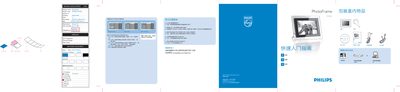
This manual explains how to connect the PhotoFrame via USB, insert memory cards, and use the on‑screen controls to navigate between modes such as Slideshow, Thumbnail, Album, and Browse. It also describes the Settings menu where you can adjust time, date, and other display options.
Safety warnings are included, along with a FAQ section that answers common questions about saving photos, deleting images, and switching between stored pictures. The document contains detailed diagrams of the front panel, button functions, and step‑by‑step procedures for operating the device. This manual is written in Chinese.
| Display size | 740 mm (vertical) x 203 mm (horizontal) |
|---|
No, you control the display using the supplied pen.
Yes, the device supports deleting photos from its internal memory.