
This document introduces the features of the SPF4008 and SPF4208 photo frame products
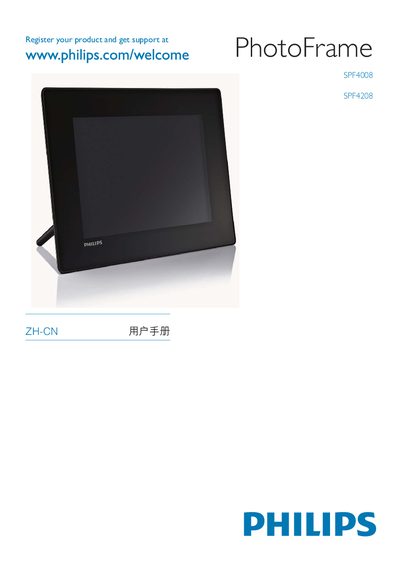
This manual introduces the Philips SPF4008 and SPF4208 digital photo frames, describing their main functions such as displaying photos, playing videos, and playing MP3 background music. It explains how to register the product online, install the supplied AC‑DC power adapter, insert memory cards (SD, MMC, xD, Memory Stick), and connect the frame to a PC or USB storage device. Detailed instructions cover setting the time, configuring display modes, creating and managing event reminders, and using the Philips PhotoFrame Manager software to transfer media.
The guide also contains safety and maintenance advice, including cleaning the screen with a soft damp cloth, avoiding liquids and harsh chemicals, and using only the supplied power adapter. Environmental sections describe compliance with RoHS, recycling symbols, and proper disposal methods for the frame and its components. A glossary of terms and a FAQ section address common user questions. This manual is written in Chinese.
| Power adapter type | AC‑DC |
|---|---|
| Supported memory card formats | SD, MMC, xD, Memory Stick |
| Audio playback format | MP3 background music |
Only the supplied AC‑DC power adapter should be used with this product.