
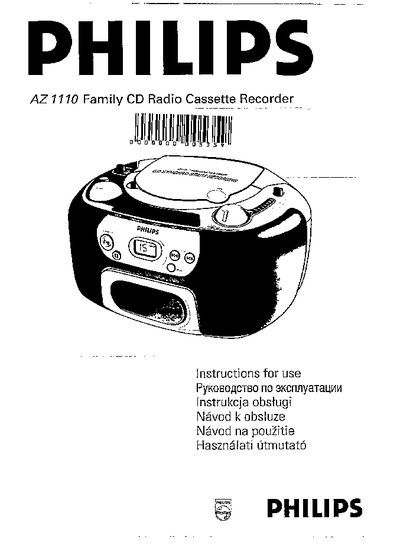
This manual provides instructions for the Philips AZ1110 Family CD Radio Cassette Recorder. It details the controls on the top and front panels, including volume, bass boost, and source selection for CD, radio, and cassette playback. The guide explains how to operate the CD player, including programming track numbers and using shuffle/repeat modes, as well as how to tune into radio stations using the telescopic aerial.
| Voltage | 230 V |
|---|---|
| Frequency | 50/60 Hz |
| FM Frequency Range | 87.5-108 MHz |
| AM Frequency Range | 522-1607 MHz |
| Battery Type | Six R20 (D-cells) |
| Max Programmed Tracks | 20 |
Pull out the telescopic aerial, incline and turn it to improve reception. Reduce its length if the FM signal is too strong.
Connecting headphones will automatically disconnect the speakers.
Set the source selector to TAPE/POWER OFF position with the cassette keys released, or pull the mains plug out of the wall socket.